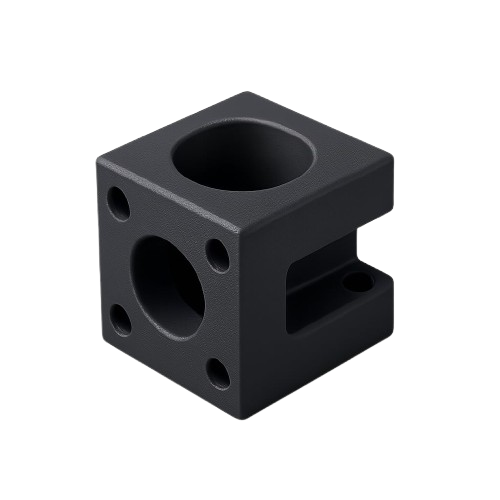
AI-Generated 3D models Real-time quoting And rapid with 3D printing products

 AI Generated 3D
What is 3DAI
3DAI is a platform to create 3D models with AI from text or images. You describe what you want or upload a reference image, and the system generates a 3D model for you. You can then download the file for your project or send it for 3D printing at 3dai.co.th.
How it works
- Choose your input — type a description (text to 3D) or upload an image (image to 3D).
- Our AI generates your 3D model — usually within a few minutes.
- Preview and refine the model in the viewer if needed.
- Download your file (e.g. STL) for 3D printing or use in other software at 3dai.co.th/printing-service
Use our built-in AI Generator
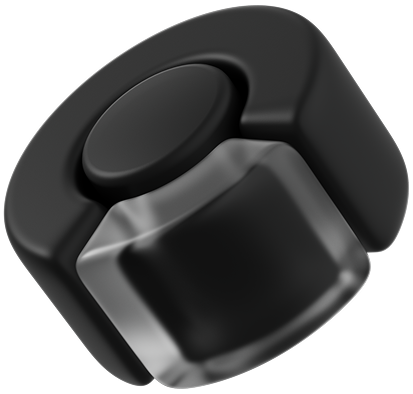
To create your 3D model in minutes. Just describe your product, sketch it, or upload reference images — our AI will turn it into a printable 3D file, ready for pricing.
💡 Whether you're a designer, maker, or someone with just an idea — our platform helps you go from concept to print-ready model, instantly.
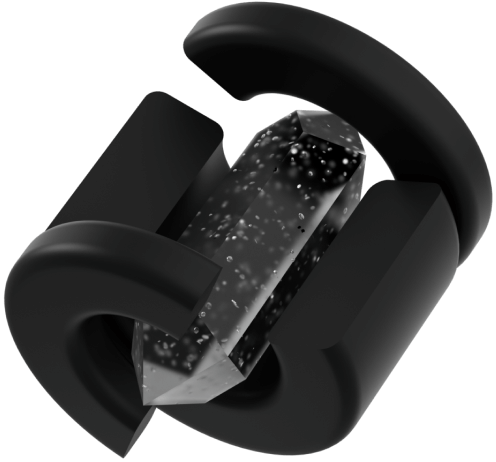

Step 1 : Upload your 3D file
Upload your 3d Model or use our AI Generator to create a printable 3D model.
Step 2 : Choose Your Printing Technology
Select from FDM, SLA, MJF, or other advanced printing methods. Each is optimized for different needs
Step 3 : Select Material & Infill Settings
Pick from a wide range of materials. Adjust infill percentage to control weight, strength, and pricing.
Step 4 : Get Your Quote & Invoice
Our platform calculates the real-time cost and production time. Download a professional quotation or invoice instantly.
Step 5 : Confirm & Start Production
Review the quote, make adjustments if needed, and confirm your order. We'll start production immediately.
Step 6 : Quality Inspection
Every part is checked for dimensional accuracy, material consistency, and surface quality. We only ship what passes our inspection standards.
Step 7 : Delivery to Your Doorstep
Your printed part is safely packed and shipped to you with tracking. Fast, secure, and reliable.
FAQ – 3DAI
- What is 3DAI?
- 3DAI is a platform to create 3D models with AI from text or images. You describe or upload a reference image, and the system generates a 3D model for you at 3dai.co.th
- How do I create a 3D model?
- Go to the AI 3D creation page, enter text (text to 3D) or upload an image (image to 3D), then choose options and wait for the model to generate. You can download the STL file when it's ready.
- What file formats are supported?
- You can download models as STL and other formats supported for 3D printing or for use in 3D software at 3dai.co.th
3D Additive Industry Company Limited
Office Hours : Monday-Friday 9.00-18.30
Email: sales@3dai.co.th
Hotline : 0914282956


Address
The cube 46/4, Soi 6 Bangpleeyai Subdistrict, Bangplee District, Samutprakarn 10540
Ask anything from anywhere!